1. What is Govt Photo Resizer?
Govt Photo Resizer is an independent online image utility that helps candidates resize, crop, and compress photos and signatures to exact file size limits (like 20KB or 50KB) for government forms.
2. Is Govt Photo Resizer free to use?
Yes, it is 100% free with no registration, no subscription fees, and no watermarks on downloaded output images.
3. Can I compress an image to 20 KB?
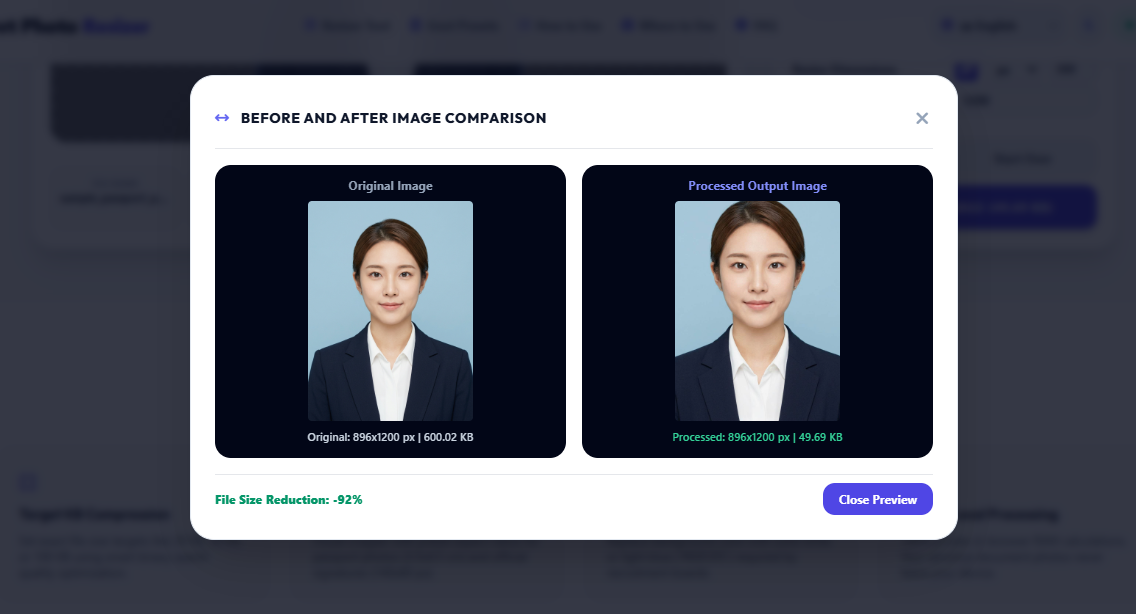
Yes. Type '20' into the Target File Size box, select KB, and click Set Target. The tool automatically optimizes canvas scale and JPEG quality to hit 20 KB.
4. Can I compress an image to an exact file size?
Yes, our binary search quality iteration calculates the optimal canvas resolution and quality quantization to compress images as close as possible under your specified target KB/MB.
5. How do I resize a photo for a government form?
Select an official preset (like Passport Photo or SSC photo), upload your image, click 'Enable Crop' if needed, enter your target KB size, and download.
6. How do I resize a signature?
Select the 'Official Signature' preset. It sets the crop aspect ratio to 140x60 px and target file size to 10-20 KB with a plain white background.
7. Can I crop a passport-size photo?
Yes, select the Passport Photo ratio (3.5x4.5 cm), adjust the cropper box over your face and ears, and apply the crop.
8. Which image formats are supported?
Inputs: JPG, JPEG, PNG, WebP, AVIF, GIF, BMP, TIFF, HEIC, SVG, ICO, RAW. Exports: JPG, PNG, WebP, AVIF, BMP, TIFF, GIF, ICO, PDF.
9. Can I convert PNG to JPG?
Yes, select 'JPG' from the Output Format dropdown menu and click Download.
10. Can I convert JPG to WebP?
Yes, select 'WEBP' in the format selector for web speed optimization.
11. Can I upload a large image?
Yes, up to 50 MB images are safely processed directly inside your browser memory.
12. Is my uploaded image stored on a server?
No. All photo processing occurs 100% locally inside your web browser RAM buffer. Your documents are never transmitted to external servers.
13. Does image compression reduce quality?
Our binary search algorithm maintains high visual sharpness while removing redundant pixel quantization data.
14. Can I use this tool on a mobile phone?
Yes, it is fully responsive and touch-friendly across Android Chrome, iOS Safari, and mobile web browsers.
15. Can I change the photo background?
Yes, select Solid White or Light Blue (#E0F2FE) from the background options menu.